Laravel Cloud vs. Self-Hosting on VPS
Laravel Cloud provides fully managed hosting with built-in autoscaling and scale to zero, zero-downtime deploys and managed databases and cache, significantly reducing the ops overhead compared to a self-hosted VPS. It's the best option for productive developers who want to ship without managing infrastructure.
Laravel Cloud
Laravel Cloud is a fully managed hosting platform built by the Laravel team. It automates everything from server provisioning to scaling to security, so developers can focus on building and shipping.
- Deploy from Git in under a minute, with zero server setup or config.
- Automatic autoscaling and managed replicas keep performance steady during traffic spikes.
- Managed databases, Redis-compatible caching, SSL, and backups reduce ongoing ops work.
Self-Hosting (VPS/Dedicated)
Self-hosting means running your Laravel app on your own servers or VPS (virtual private server) and doing all the setup and maintenance yourself. With self-hosting, you must configure the server (OS, PHP, web server), install and manage databases, cache stores, and queue workers, and handle deployments, backups, updates, and scaling manually.
- Full control over OS, networking, and custom configurations for specialized requirements.
- Lower raw hosting fees at scale, but developer time for setup, maintenance, and incidents usually raises the true cost per project.
- Flexible tooling and vendor choice, letting you run nonstandard services or custom infrastructure.
Teams like these don't manage infrastructure.




“I love the dashboard. I can control everything and see it in real time. I can't imagine my platform without Cloud. Everything I do just works.”

Alexander Michailidis
CEO at Gnarlux
Why Laravel Cloud is better than self-hosting
Deploy in under 60 seconds moving from Git to live with minimal setup.
Automatic scaling and zero downtime for peace of mind, especially during traffic peaks.
Cost-efficient pay-as-you-go model where you can scale your entire stack (compute, databases, cache) to zero.
Laravel Cloud compared to Self-Hosting on VPS
Laravel Cloud outperforms self-hosting on a VPS by allowing development teams to reduce time to market while scaling reliably without DevOps overhead. Starter Kits are available to further expedite building.
A fully managed platform built by the Laravel team, supporting Laravel and Symfony apps with one-click autoscaling, databases, caching, storage, and security.
A general-purpose server environment that requires full manual setup, configuration, and maintenance.
You’re responsible for installing dependencies, managing updates, and ensuring performance and security.
A fully managed platform built by the Laravel team, supporting Laravel and Symfony apps with one-click autoscaling, databases, caching, storage, and security.

Built and maintained by the Laravel team

General server; Laravel must be configured manually (install dependencies, extensions, etc.)
Built and maintained by the Laravel team
Laravel and Symfony
Any PHP application (Laravel, WordPress, etc.), other languages depending on OS
Laravel and Symfony
Fully managed; no SSH or server config required
You manage OS updates, security patches, web server config, PHP versions, and more
Fully managed; no SSH or server config required
Managed Redis-compatible key-value store and queue workers auto-provisioned
Must install/configure Redis, Memcached, Supervisor, etc., and maintain them yourself
Managed Redis-compatible key-value store and queue workers auto-provisioned
Limited (fully managed PaaS)
Full control (root access, networking, firewall rules, etc.)
Limited (fully managed PaaS)
Designed for high concurrency and variable traffic. It automatically adjusts resources (replica count) to handle load, with instant scaling and load balancing. This ensures consistent response times even under traffic spikes.
Performance depends on the server size and your tuning. A single VPS has fixed CPU/RAM, so sudden traffic surges can overwhelm it. You can scale by upgrading the server or adding more instances, but this is manual and can involve downtime.
Designed for high concurrency and variable traffic. It automatically adjusts resources (replica count) to handle load, with instant scaling and load balancing. This ensures consistent response times even under traffic spikes.
Under 60 seconds from Git with automatic builds and zero downtime rollouts
Manual or CI setup needed; typically requires provisioning, SSH/FTP uploads, or pipelines with downtime risk
Under 60 seconds from Git with automatic builds and zero downtime rollouts
Built-in autoscaling up or down based on traffic, with load balancing
No built-in autoscaling; must manually or manage your own load balancer resize
Built-in autoscaling up or down based on traffic, with load balancing
AWS (fully managed by Laravel Cloud)
You can choose your provider of choice
AWS (fully managed by Laravel Cloud)
Deploys directly from your Git repo with a single click. Cloud automatically runs builds, migrations, and restarts with zero downtime. Developers can deploy in seconds without writing any deployment scripts.
You must set up your own deployment pipeline (for example, using GitHub Actions), which can take minutes or more. Many traditional setups rely on manual file uploads or SSH commands. Without careful configuration, deployments often require putting the app in maintenance mode, which causes downtime.
Deploys directly from your Git repo with a single click. Cloud automatically runs builds, migrations, and restarts with zero downtime. Developers can deploy in seconds without writing any deployment scripts.
Zero-config Git deployment (connect GitHub/GitLab and deploy instantly)

Possible via custom CI/CD, but requires manual setup of pipelines or hooks
Zero-config Git deployment (connect GitHub/GitLab and deploy instantly)
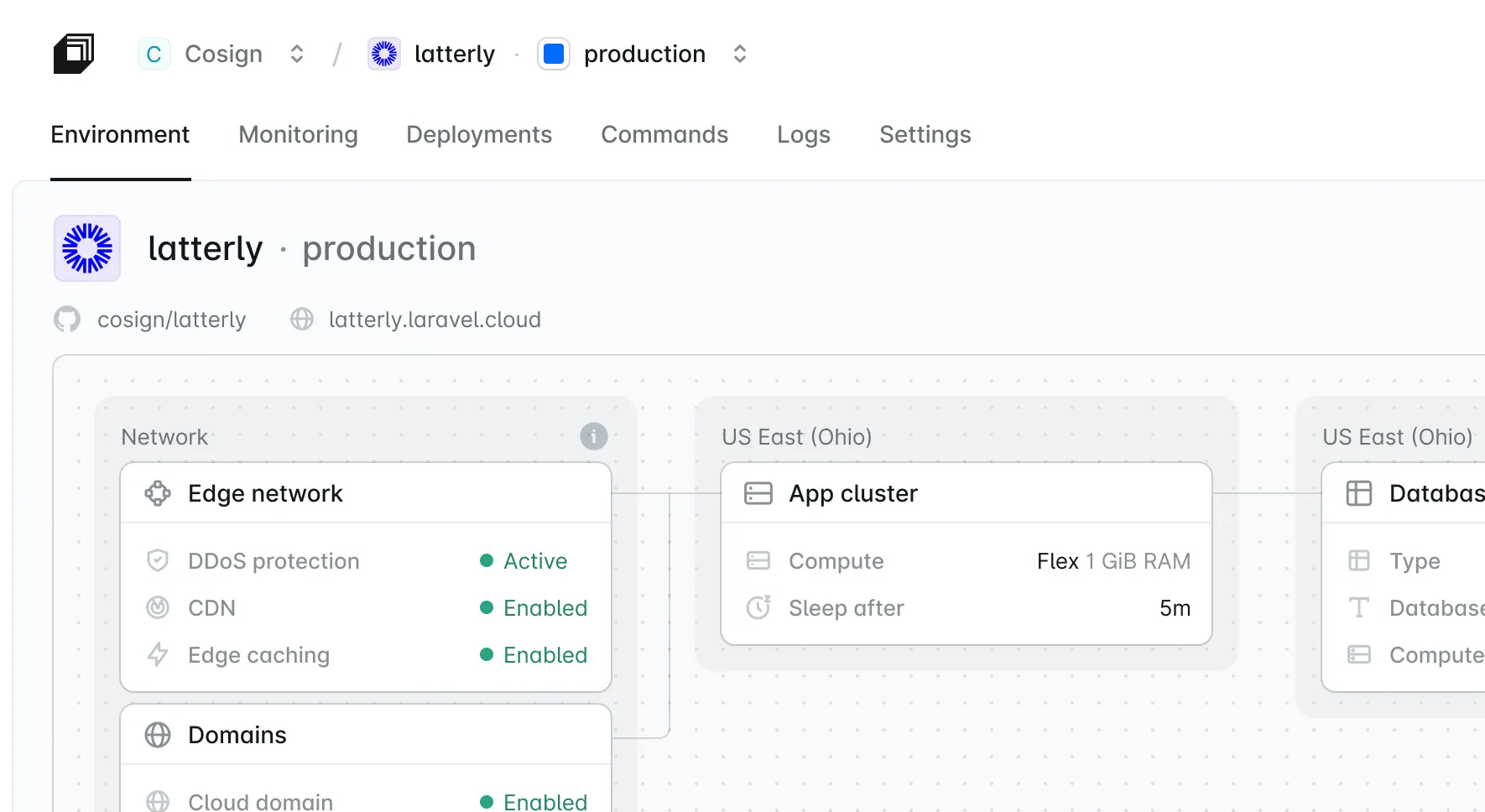
Includes built-in monitoring and logs in the dashboard. You get real-time insights into HTTP traffic, CPU/RAM usage, and can easily search application logs. Optional Laravel-specific monitoring with Laravel Nightwatch can be enabled with minimal setup.
You must install and configure your own monitoring tools. Common approaches include running an APM (like New Relic or Datadog), setting up system metrics (Prometheus, Grafana), or using log aggregation. This requires additional maintenance and often incurs higher operating costs at scale.
Includes built-in monitoring and logs in the dashboard. You get real-time insights into HTTP traffic, CPU/RAM usage, and can easily search application logs. Optional Laravel-specific monitoring with Laravel Nightwatch can be enabled with minimal setup.
Real-time infrastructure monitoring, HTTP analytics, logs, and app metrics (CPU & memory charts, plus database metrics)
Must install or integrate third-party monitoring or manually inspect logs
Real-time infrastructure monitoring, HTTP analytics, logs, and app metrics (CPU & memory charts, plus database metrics)
Automatic TLS certificates; includes Cloudflare CDN for caching and security at edge
SSL via Let's Encrypt or manual install; CDN must be configured separately (Cloudflare or other)
Automatic TLS certificates; includes Cloudflare CDN for caching and security at edge
Daily automated database backups with point-in-time recovery
Backup strategy up to you (snapshots or custom scripts); often coarser retention
Daily automated database backups with point-in-time recovery
Follows a pay-as-you-go model (Starter costs $5/mo with $5 in usage credits). Your app scales to zero when idle, significantly reducing costs for apps with intermittent traffic. Engineering is often a project’s biggest expense, and Laravel Cloud significantly reduces DevOps costs, empowering teams to focus on shipping.
Calculate your usage and pricing.
Costs are typically fixed by the server plan and often exclude the human hours spent managing infrastructure, which increases the cost of each project.
Follows a pay-as-you-go model (Starter costs $5/mo with $5 in usage credits). Your app scales to zero when idle, significantly reducing costs for apps with intermittent traffic. Engineering is often a project’s biggest expense, and Laravel Cloud significantly reduces DevOps costs, empowering teams to focus on shipping.
Calculate your usage and pricing.
Pay-for-what-you-use with monthly fees for all plans
Self-hosting may look cheaper upfront, but you'll still pay in time and tools (server costs, monitoring, etc.)
Pay-for-what-you-use with monthly fees for all plans
Start in Cloud with $5 in free usage credit.
Start in Cloud with $5 in free usage credit.
Who should choose Laravel Cloud vs. Self-Hosting?

Pick Laravel Cloud
Choose Laravel Cloud if you want a fully managed, Laravel-native platform that removes server management entirely. It is ideal for teams that want to focus on development without DevOps overhead.

Pick Self-Hosting (VPS/Dedicated)
Choose self-hosting if you require maximum control over your infrastructure. For example, if you need specific server configurations, want to run multiple kinds of applications on the same servers, or have strong DevOps expertise. It gives you full flexibility (you can SSH in and configure anything), but you must handle scaling, security, and maintenance yourself, increasing the costs per project.
Deploy now with Cloud
Start in Cloud with $5 in free usage credit.
- Launch in under a minute from Git to live with fully managed infrastructure.
- Build and ship faster with native Laravel integration across your stack.
- Scale and save costs automatically with built-in scale-to-zero.
See what thousands of developers have to say
“I have never seen a website accomplishing something so complicated, so fast, so simple, so beautifully.”

“Cloud is amazing value if you just need a small server and a PostgreSQL DB. I only use $2 a month running my badge project. We've never had it this good.”

“For my small project I needed all: DB, cache, storage, and WebSockets — and everything worked on the first try with single clicks.”

“Setting up resources on Laravel Cloud is like playing Lego blocks, you can just connect things. We used to install Nginx and MySQL manually on a server and get permission denied.”

“Cloud is absolutely goated. Smoothest infra DX I've ever experienced — everything I needed was right where it was supposed to be.”

“I was stuck on a pretty complex problem, and the Laravel Cloud support team went out of their way to deep dive into it with me. The bug was my own doing, but their tips helped me find it.”

“Charging me $5 for my 0 user PHP apps? Yes, please, thank you very much. ‘Unlimited applications’ is a goated move from Laravel.”

“Loving the new managed queues on Laravel Cloud. Offloading the workload from the app server and allowing it to sleep is genius.”

“The preview environments in Laravel Cloud have been amazing to work with. They work flawlessly, and with the fast hibernation, we barely pay for it even though we have over 15 preview environments.”

“Just deployed an app using Laravel Cloud and OMG, the deployment experience was incredibly fast and painless.”

“Laravel Cloud is the closest thing to magic I've experienced in a hosting provider. It's really the Laravel of Cloud.”

“Just shipped a huge update to my Laravel learning platform, running smoothly on Laravel Cloud. Deploys, SSL, env vars — everything just works. No DevOps headaches.”

“Any AI agent + Laravel. You can deploy this on Laravel Cloud in a few clicks.”

“Showed my friend Laravel and Laravel Cloud, and he was already deploying his first app in less than a month. He was shocked by how easy it is and how tight the ecosystem is.”

“Laravel Boost + Laravel Cloud CLI + Stripe CLI. You can pretty much build a full product without seeing a line of code.”

“I've switched all personal projects from DigitalOcean and love Laravel Cloud!”

“Laravel Cloud just keeps getting better. Having web analytics directly in the dashboard is a really nice addition. Requests, visits, views, top pages, status codes — all in one place. No extra analytics setup needed.”
Frequently asked questions
Laravel Cloud is a fully managed platform built by the Laravel team for PHP applications, including Laravel and Symfony. It automates the entire infrastructure stack (servers, databases, cache, scaling, SSL, etc.). Self-hosting means you provision and run your own server(s) or VPS. With self-hosting, you're responsible for all setup: installing PHP/MySQL, configuring Nginx, setting up queue workers, backups, and more. In short, Laravel Cloud automates and simplifies everything, while self-hosting gives you full control but requires manual management.
Yes. Laravel Cloud runs on optimized infrastructure with fast networking and autoscaling. It is designed to handle high loads efficiently. A well-configured VPS can be fast, but self-hosted performance depends on your instance size and configuration. Under heavy load, Laravel Cloud can instantly add replicas, whereas a fixed-size VPS may slow down. Also, Laravel Cloud's edge network and caching (via Cloudflare) can improve global response times.
Completely. With Laravel Cloud, no server setup or maintenance is needed. The platform provisions servers, applies security patches, scales resources, and handles networking for you. On a self-hosted server, you must manage the OS, PHP updates, web server settings, security patches, and troubleshooting.
Not out of the box. Self-hosting generally requires manually upgrading a server or adding more servers when more capacity is needed. You could implement autoscaling groups on AWS or similar, but that takes significant DevOps work. Laravel Cloud has built-in autoscaling: you simply set a max replica count, and the platform scales automatically.
It depends on usage patterns. On Cloud's Starter plan, the first month is free, and you pay $5/month with $5 in usage credits. All plans benefit from Cloud's scale to zero and pay-as-you-go pricing, meaning you only pay when your app is actually serving requests.
Laravel Cloud is purpose-built for PHP, providing the most seamless experience for both Laravel and Symfony teams. Laravel developers get native support for queues, schedules, and Eloquent. Symfony developers get auto-detected runtime configuration, Messenger, Scheduler, Doctrine with managed databases, and preview environments per pull request. With self-hosting, you can run either framework, but you configure everything yourself. If you want to focus on writing code rather than managing infrastructure, Laravel Cloud is the better choice.
Laravel Cloud is a strong fit if your Symfony app runs standard components: Messenger (Doctrine or Redis transport), Scheduler, Mailer with a third-party transport, WebSockets via the Pusher protocol, and managed Postgres and MySQL. Cloud handles all of that with zero server management, built-in autoscaling, and preview environments per pull request.
If your app depends on non-standard services, Laravel Private Cloud connects directly to your existing AWS infrastructure over a private network via VPC peering and AWS Transit Gateway, so you don't have to give up those services to move. See the docs to learn more.
Yes. Laravel Cloud offers fully managed MySQL and Postgres databases and Redis-compatible key-value stores that you can provision in seconds. These are integrated and automatically backed up. With self-hosting, you must install and run your own database servers and cache (or use a managed database service), and handle backups and updates yourself.
Laravel Cloud makes Git deployment trivial: just connect your GitHub/GitLab repo and deploy. It's one step. No additional setup is required on Laravel Cloud for Git. With self-hosting, you need to configure a deployment workflow. You might set up Git hooks, a CI/CD pipeline, or use tools like Laravel Envoy or Forge. This takes time and can be error-prone if not automated.
Yes. Every new organization gets $5 in free usage credits, and your first month on the Starter plan is free. Credits top up automatically each month, and you only ever pay for usage beyond them. Your apps and databases scale to zero when idle, so you're never charged for compute time while they're not in use. View detailed pricing here.