There is a familiar moment in almost every project. The code is ready, the tests pass, and then someone asks… “Can I try it?”
It should be an easy question to answer.
Sometimes it is. Other times, staging has somebody else’s branch on it, the reviewer needs help getting the project running locally, or you end up recording a video of something that would make much more sense if they could click through it themselves.
As AI agents continue to improve the reliability of the code they produce, reviewing the experience of a code change is becoming more important than reviewing the code itself.
Preview environments on Laravel Cloud make the answer much simpler: here’s a link.
Pair them with scale to zero, and you can give each pull request its own environment without keeping every branch’s infrastructure running around the clock.
A working application in every pull request
Once you configure an automation, opening a pull request against your target branch can create and deploy a preview automatically. Cloud provisions its resources, gives it a unique URL, and posts that URL to the pull request. New commits update the preview. When the pull request is merged or closed, automatic cleanup can remove the environment and the resources it created.
That means the place where you discuss a change also contains a working version of it.
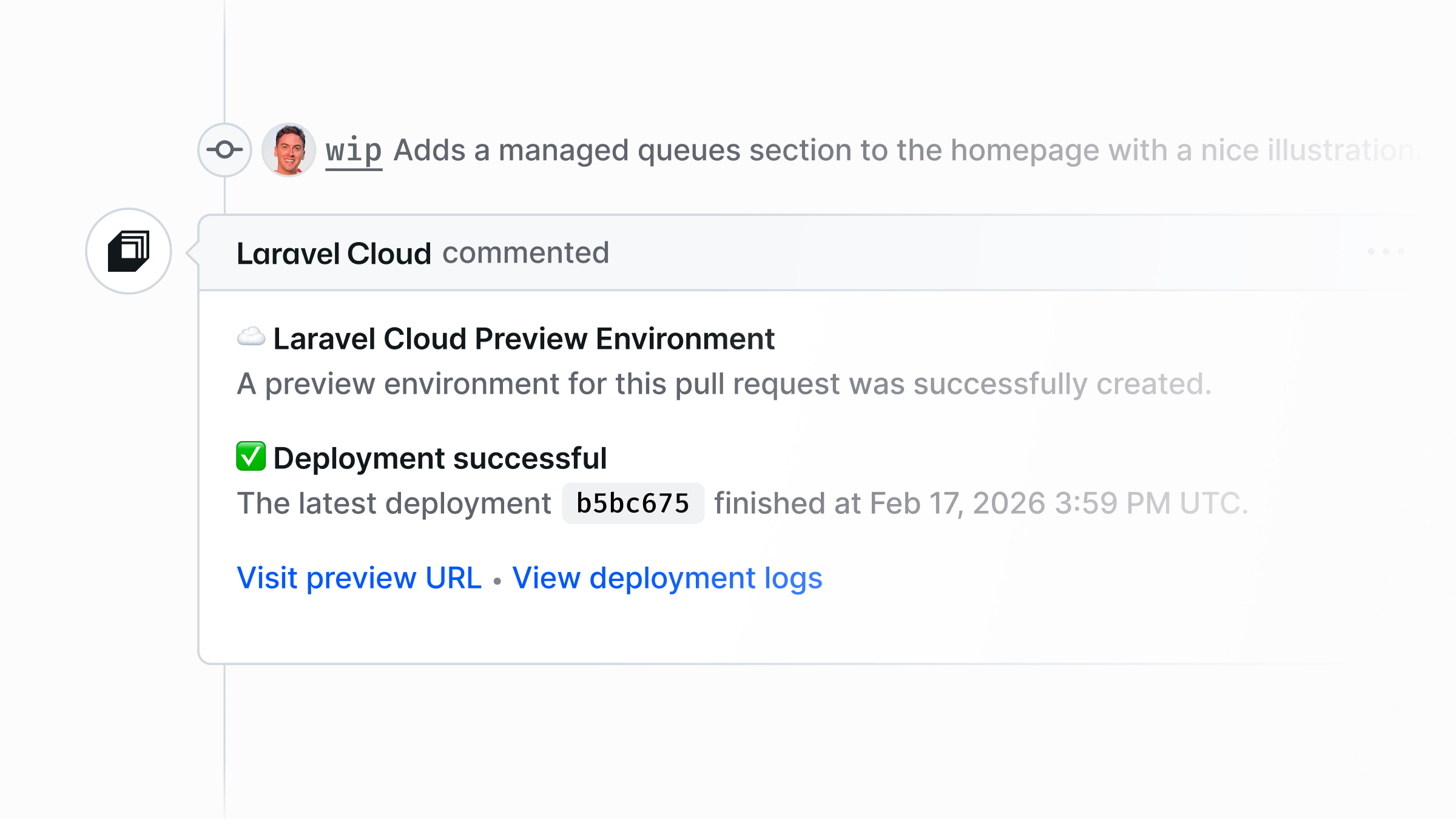
Think about a fairly ordinary feature, like adding an export to a reporting screen.
The implementation might involve a new button, a database query, a queued job, and a notification when the file is ready. You can cover plenty of that with tests. You can review the code carefully. But you’ll probably still want someone to use it before putting it in the hands of customers.
Does the loading state make sense? Is it obvious where to find the finished export? What happens when there are no results? Does the experience hold together on a phone?
With a preview, a colleague or client can try the whole flow. A designer can leave feedback on the interaction. The person who requested the feature can tell you whether it actually addresses their need.
They can do that while another developer’s change is being reviewed in another preview. Nobody needs to check who is using staging or whether it’s safe to deploy over their work.
Let your idle previews sleep
The next question is usually what all those environments will cost.
It’s a reasonable concern. A preview might need application compute, a database, a cache, and background processing. Multiply that by several developers and several open pull requests, and running everything continuously starts to look wasteful.
But previews tend to spend much of their time waiting.
Someone reviews a change for 15 minutes, leaves a comment, and moves on. The developer picks it up after lunch. A client opens the link the following morning. A perfectly useful environment might sit idle for most of its lifetime.
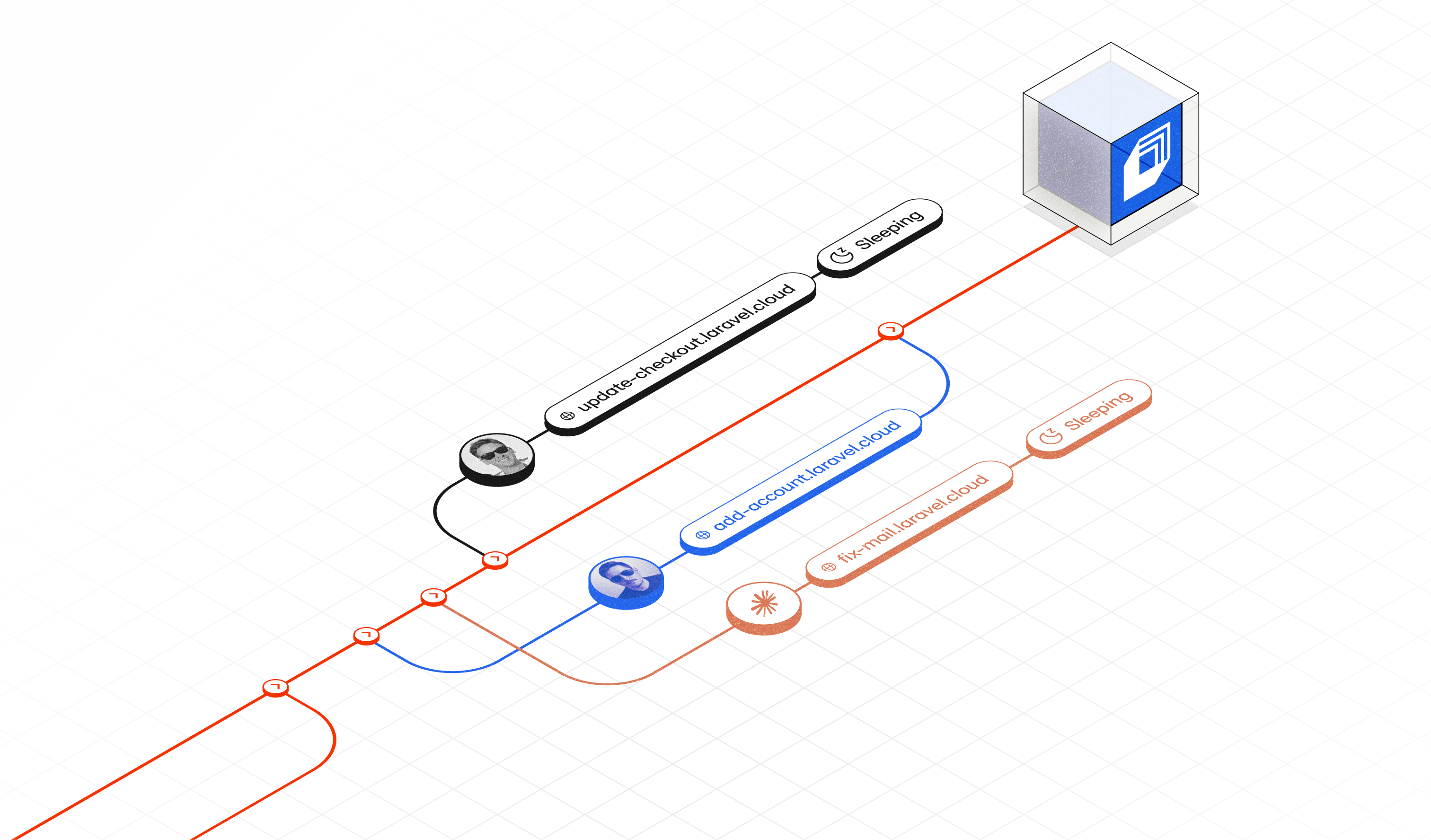
Scale to zero is a perfect fit for that pattern. Supported resources sleep when idle and wake when needed, so keeping a preview open between reviews costs only cents.
Feature preview | Lifetime before deletion | Estimated compute cost (USD) |
|---|---|---|
feature/checkout | 10 minutes | ≈ $0.0033 |
feature/account | 1 hour 30 minutes | ≈ $0.0298 |
feature/emails | 2 hours 20 minutes | ≈ $0.0463 |
Total | 4 hours | ≈ $0.08 |
Laravel Cloud’s preview defaults favor isolated resources with scale to zero enabled. This makes it practical to give a preview the same kinds of resources your application uses in production, while choosing settings appropriate for occasional use.
The big change is that an open pull request doesn’t have to mean another full stack running continuously until someone gets around to reviewing it.
 Test closer to production
Having a real deployment also gives you a better place to test the parts of an application that depend on its surroundings.
You can run browser tests against the preview URL, exercise an integration with sandbox credentials, or check that your build and deployment commands produce the result you expect. Requests travel over the public internet. Your application talks to actual services. Configuration mistakes have somewhere to show up before hitting production.
Give experiments their own space
Previews are also good places to explore a change you haven’t committed to making yet.
Suppose you want to try managed queues. You can add the service to a preview, run representative jobs, inspect failures, and get comfortable with the configuration before making a production change.
Because the preview is a dedicated environment, you can adjust its resources independently. That gives you room to answer practical questions with a running application, like does this suit our workload, what needs configuring, and what would we need to change before rolling it out?
A representative stack, isolated by default
We’ve designed preview environments to give you a useful starting point straight away using the same kinds of resources your application uses in production, provisioned separately for each preview, with scale to zero enabled wherever it’s supported.
That brings many best practices together in a single click. You can test a change across the full stack, including its database, cache, and background processing, while keeping the preview’s resources independent of production. Run a migration, try a different configuration, or seed some test data. The preview environment is there for exactly that kind of work.
Each new automation also defines its own environment variables, so you can configure the services your previews need without automatically carrying production secrets across. Once you’ve set it up, every new preview starts with those choices in place.
Laravel Cloud also gives you the flexibility to use existing resources across environments when that suits your workflow. We recommend keeping production databases and other live resources separate, though. A preview connected to them can affect real data or trigger real actions. Dedicated resources give you room to experiment, and scale to zero helps keep that independence incredibly affordable.
Set it up for your next pull request
You can configure that setup under Settings → Preview environments on the environment you want to generate previews from. Create an automation, choose the branch rules and resource settings, add any required variables, and configure any deployment and cleanup behavior to suit your team. Our documentation walks through the available options.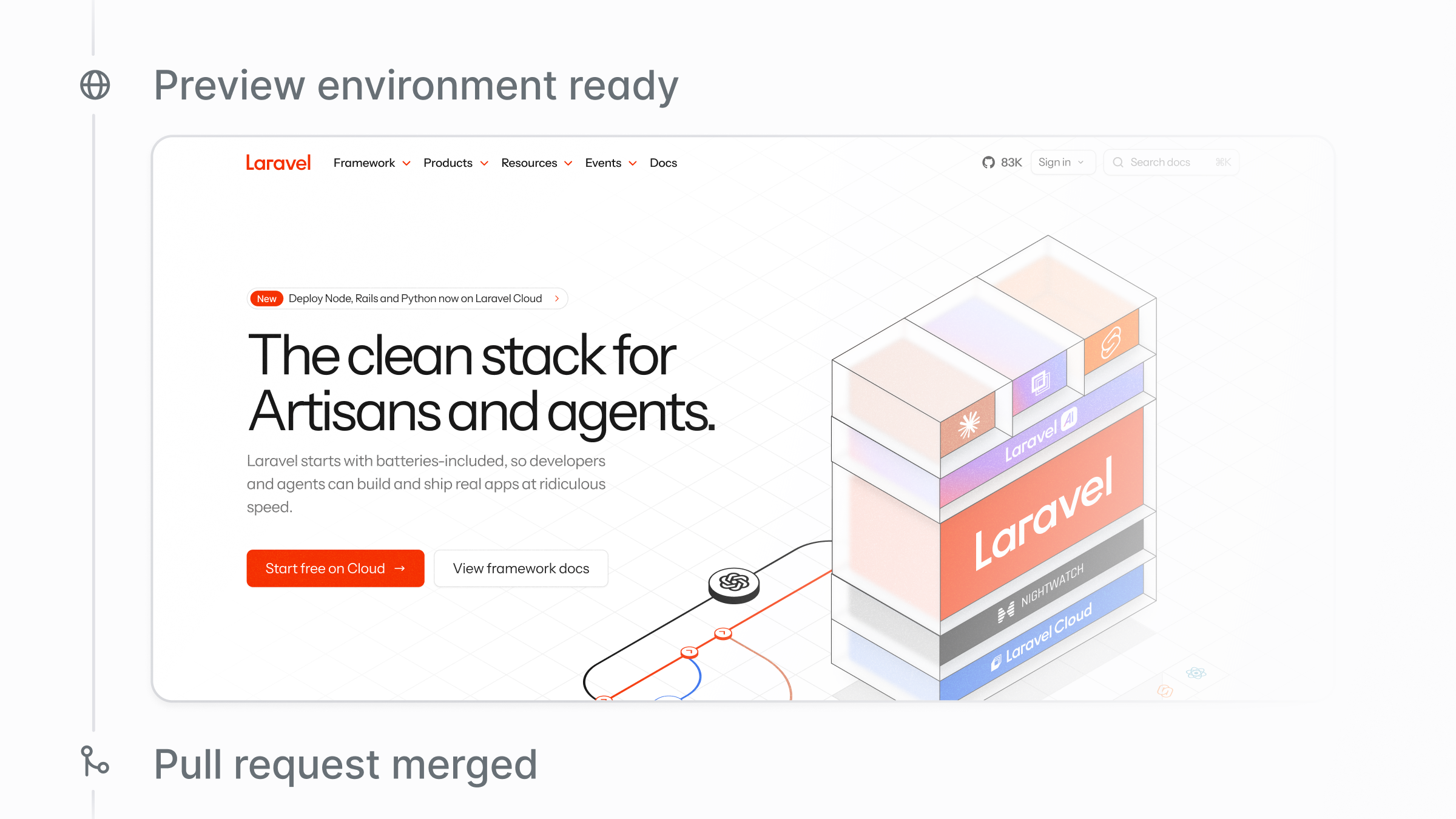 As teams work on more changes in parallel, especially with pull requests prepared with coding agents, the ability to preview the changes before they hit prod has never been more important. With AI, producing another branch is easy. Giving it proper attention still takes care.
The next time someone asks, “Can I try it?”… the answer will already be waiting in the pull request.