Every production app usually needs to send email. Password resets, invites, receipts, and notifications are must-have transactional emails, and setting them up usually isn't hard on its own, but it can become a time-consuming side quest.
Now, Laravel Cloud makes this easy to set up for applications with a first-party integration to Resend. Connect your account once, and email becomes a resource you attach to an environment the same way you'd attach a database.
Connecting Resend without handling an API key
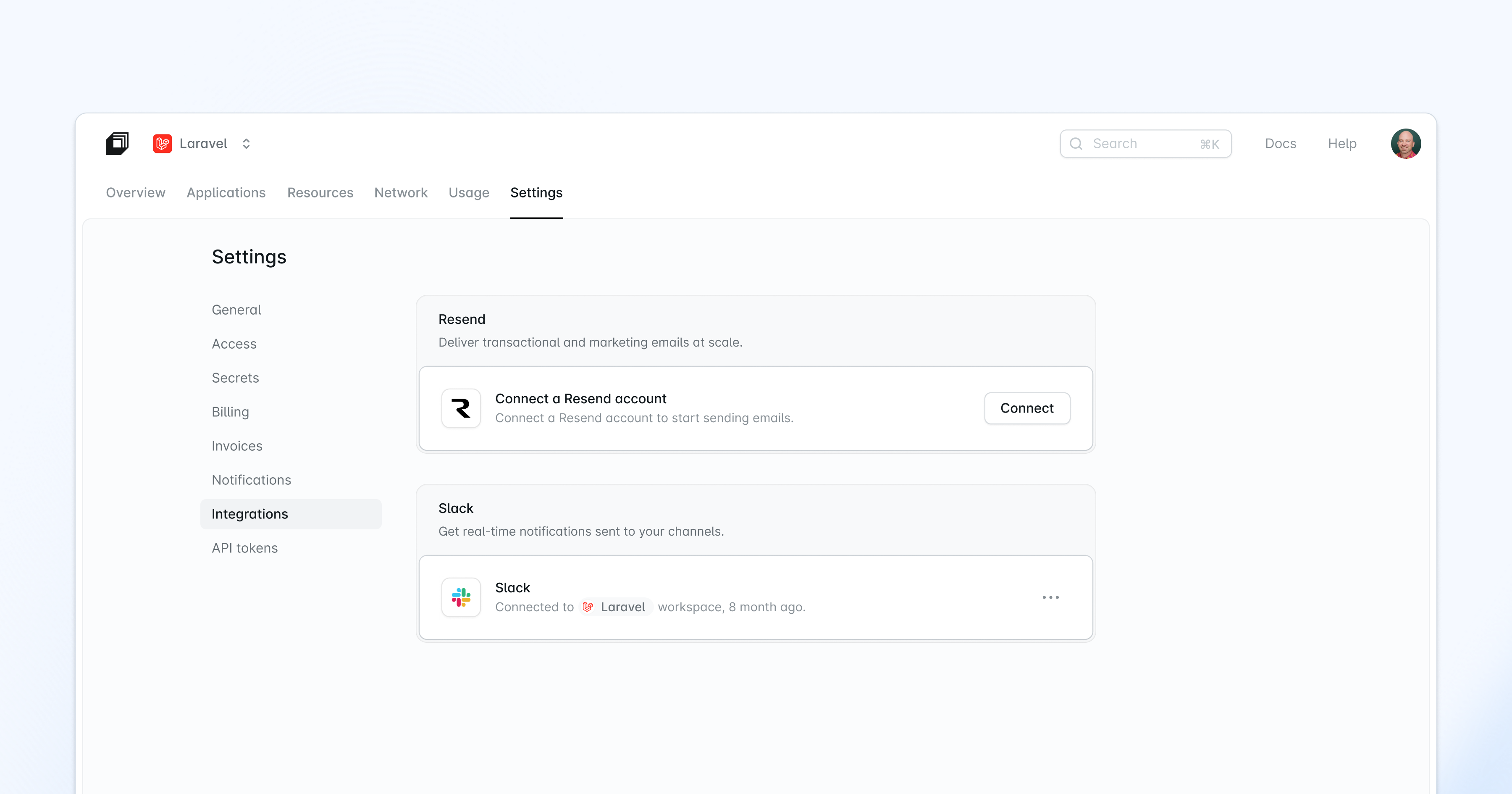
From your organization settings under Integrations, select Resend and click Connect. Once you’ve approved the connection on the Resend’s consent screen, you’ll return to Laravel Cloud with your account connected. If you already use Resend, your existing domains will import automatically. If you don’t have a Resend account yet, you can create one for free. Either way, you’ll never have to generate, copy, or paste an API key.
Verifying a sending domain from the Cloud dashboard
Create a sending domain and Cloud returns the DNS records you need for SPF and DKIM in a copyable table, then tracks its status right in the dashboard until it's verified. Domain setup and troubleshooting live in one place instead of two.
You still add those records at your DNS host, same as always. What Cloud removes is the extra trip to Resend's dashboard just to look up the records and check whether they've been verified.
Attaching email to an environment like any other resource
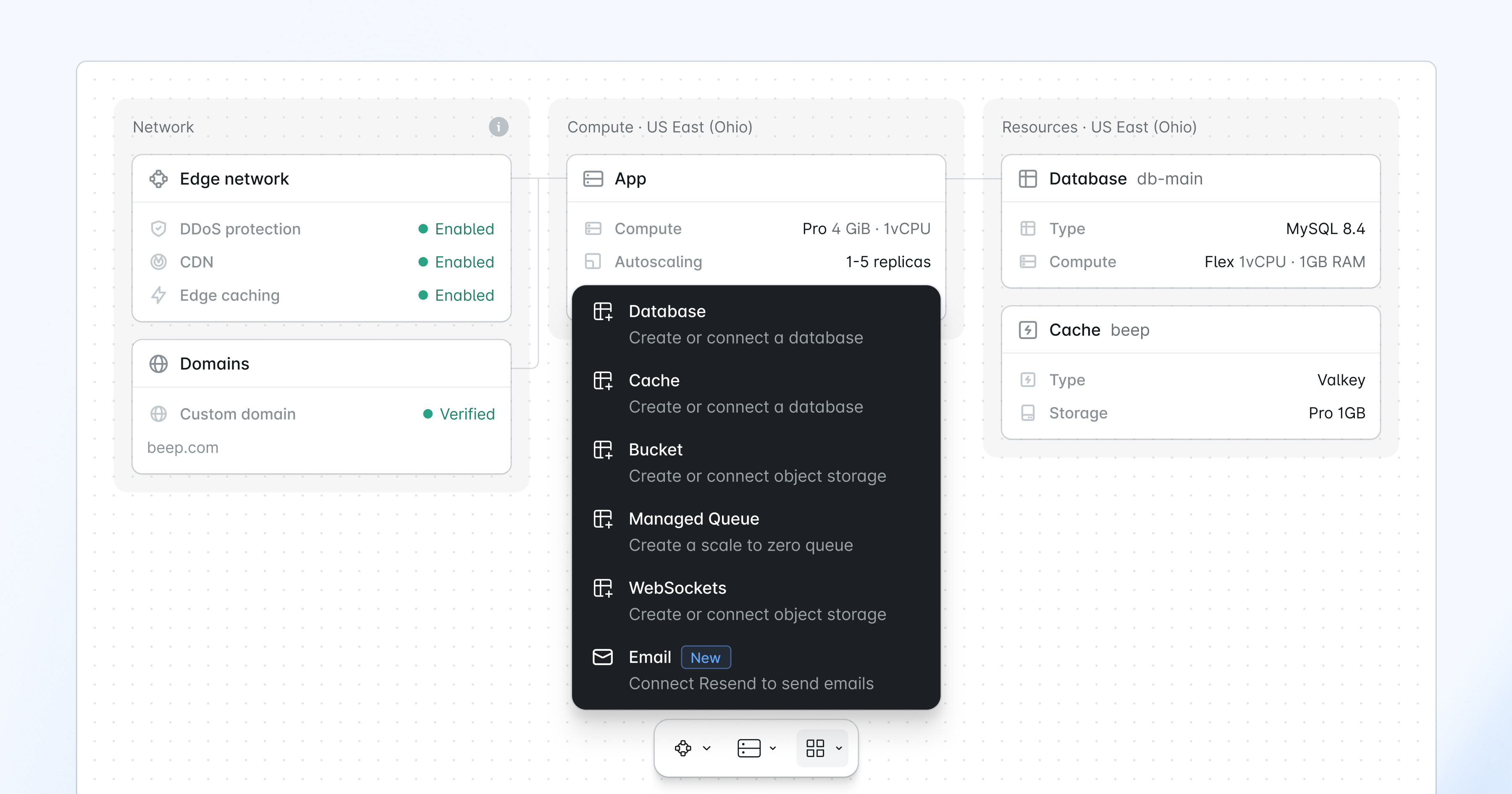 After your organization is connected, you can add email as a resource to your environment and choose your verified domain. Add a sender address and name, and choose either a dedicated key for this environment, or a key shared across environments.
A dedicated key can be rotated or revoked on its own, while a shared key is used by multiple environments, so a later rotation touches all of them. Share one key across staging and production, or give each environment its own, whichever fits how your team works.
Then Laravel Cloud does the rest. It mints the key through your Resend connection, stores it encrypted, and injects it into the environment as RESEND_API_KEY, alongside the companion variables MAIL_MAILER, MAIL_FROM_ADDRESS, and MAIL_FROM_NAME.
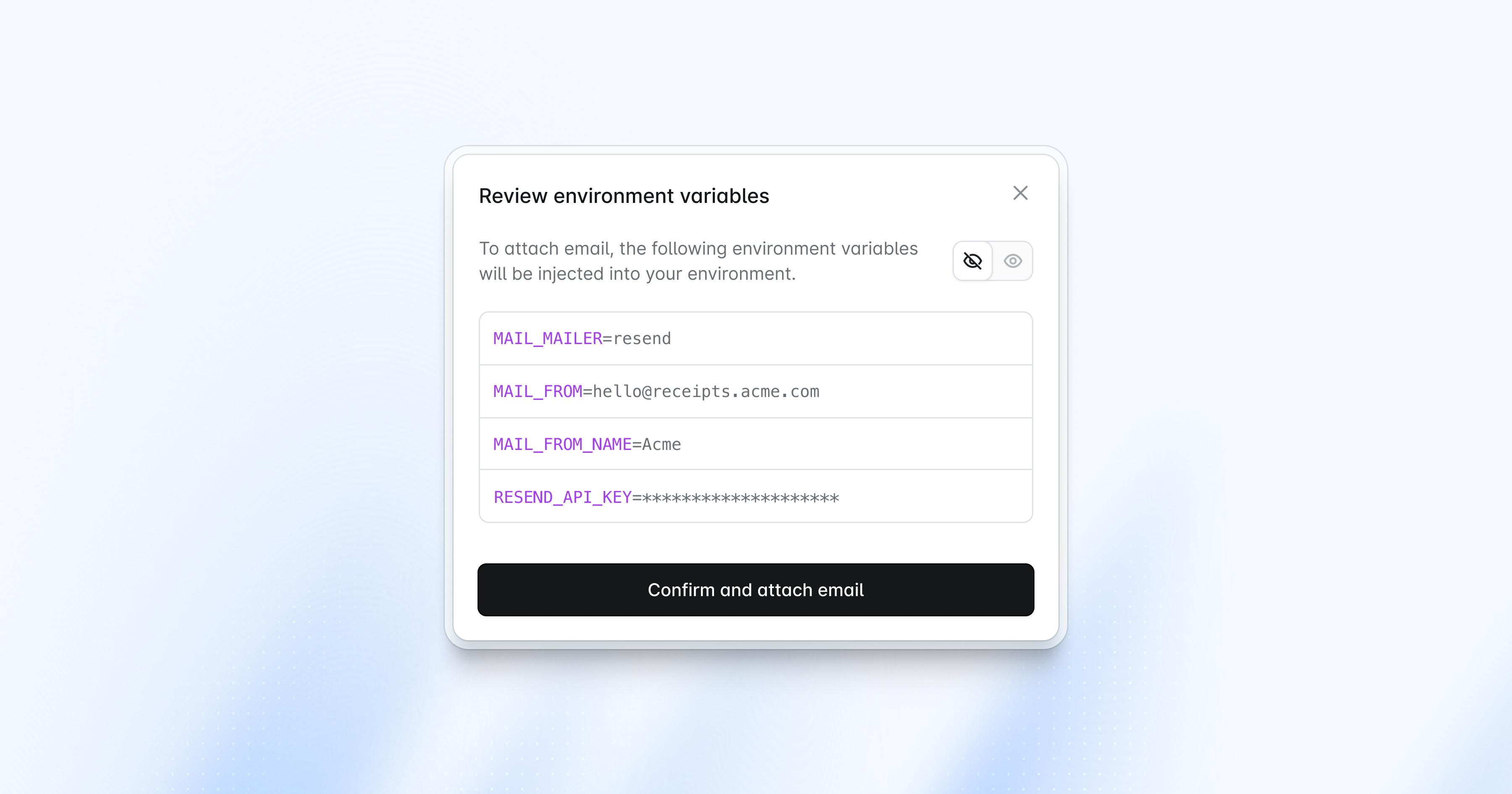 Cloud encrypts and masks the key, the same way it handles your database password.
Email that feels like part of Cloud
Resend is available today as a first-party integration on Laravel Cloud. Connect your account from your organization settings, verify a domain, and attach email to any environment. Setup only takes a few minutes, though DNS changes can take longer to verify.