The Laravel Cloud API and CLI are now generally available, giving your team programmatic and command-line access to your entire Laravel Cloud infrastructure. You can now treat your deployment infrastructure as code, automate repetitive tasks, and integrate Laravel Cloud deeply into your existing development workflows and toolchains.
That also includes AI agents. Because Laravel Cloud is now accessible via the API, agents can interact with your infrastructure directly and provision databases, check instance counts, query scale to zero status, and anything else available through the API. For teams building with AI, your infrastructure becomes an active part of your automated workflows.
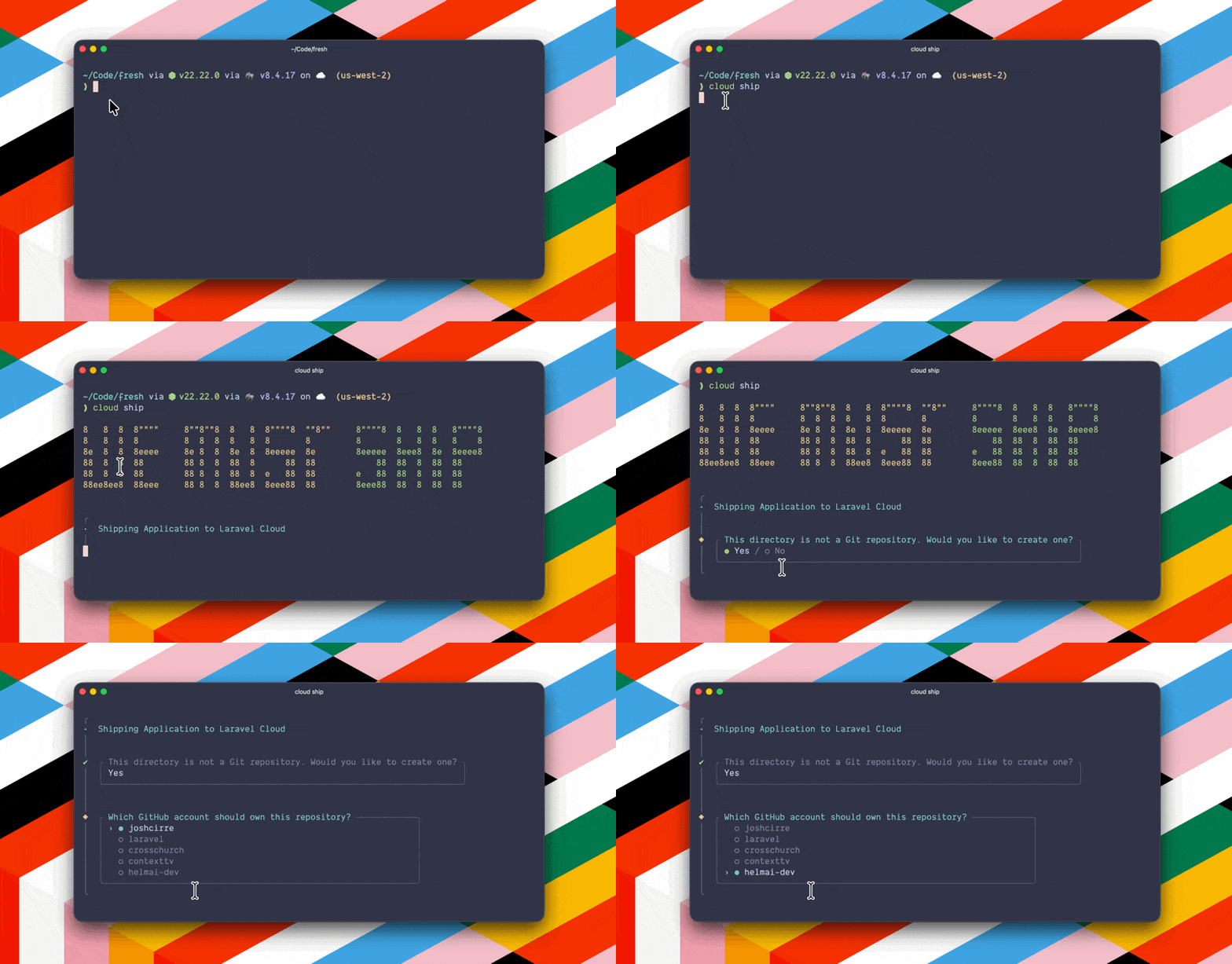
Laravel Cloud has always made deploying Laravel apps simple. The Cloud API and CLI add more power under the hood, transforming Laravel Cloud into a fully programmable infrastructure layer. You can now automate more and build faster without growing your team.
Read the Cloud API documentation to explore all available endpoints and learn more about the CLI.
Meet the Cloud API
Our Cloud API is a REST API that provides programmatic access to your entire Laravel Cloud infrastructure. Anything you can do in the dashboard, you can now do via API.
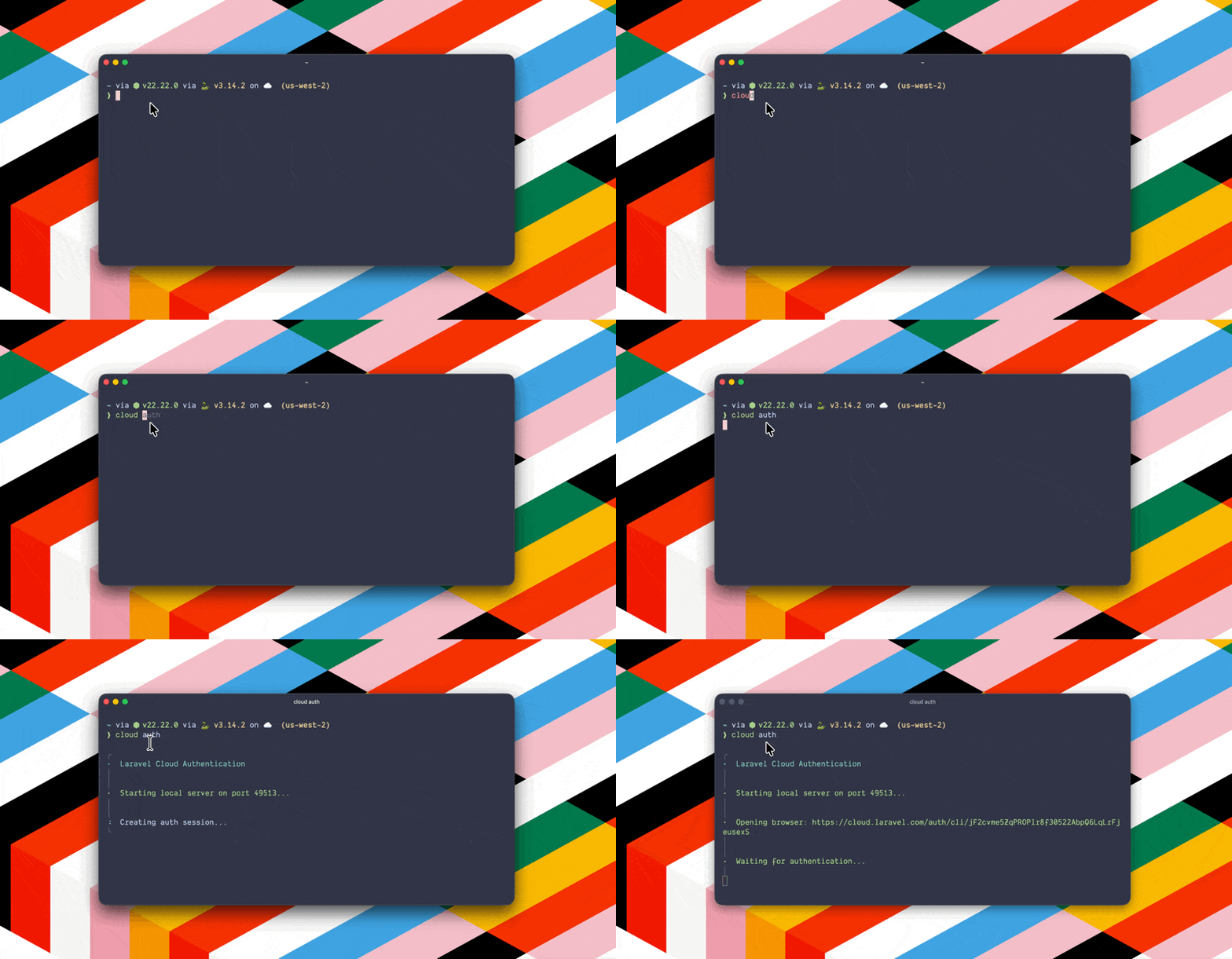
It's designed to fit into the tools and workflows you already use: trigger deployments from GitHub Actions, script environment teardowns after a PR merges, or check deployment status from an AI agent. The result is less manual work, consistent configurations across environments, and more infrastructure managed with the same team size.
Meet the CLI
The CLI is built directly on top of the Cloud API, giving developers a fast, scriptable way to manage Laravel Cloud infrastructure without leaving the terminal. It ships with sensible defaults for quick setup and fits naturally into the way developers already work: spin up feature branch environments, manage scale to zero schedules, and version-control infrastructure configurations.
For teams who live in the terminal, it's the fastest way to interact with Laravel Cloud.
What You Can Do With the Cloud API and CLI
For engineering teams, the Laravel Cloud API and CLI translate directly to two things: speed and efficiency.
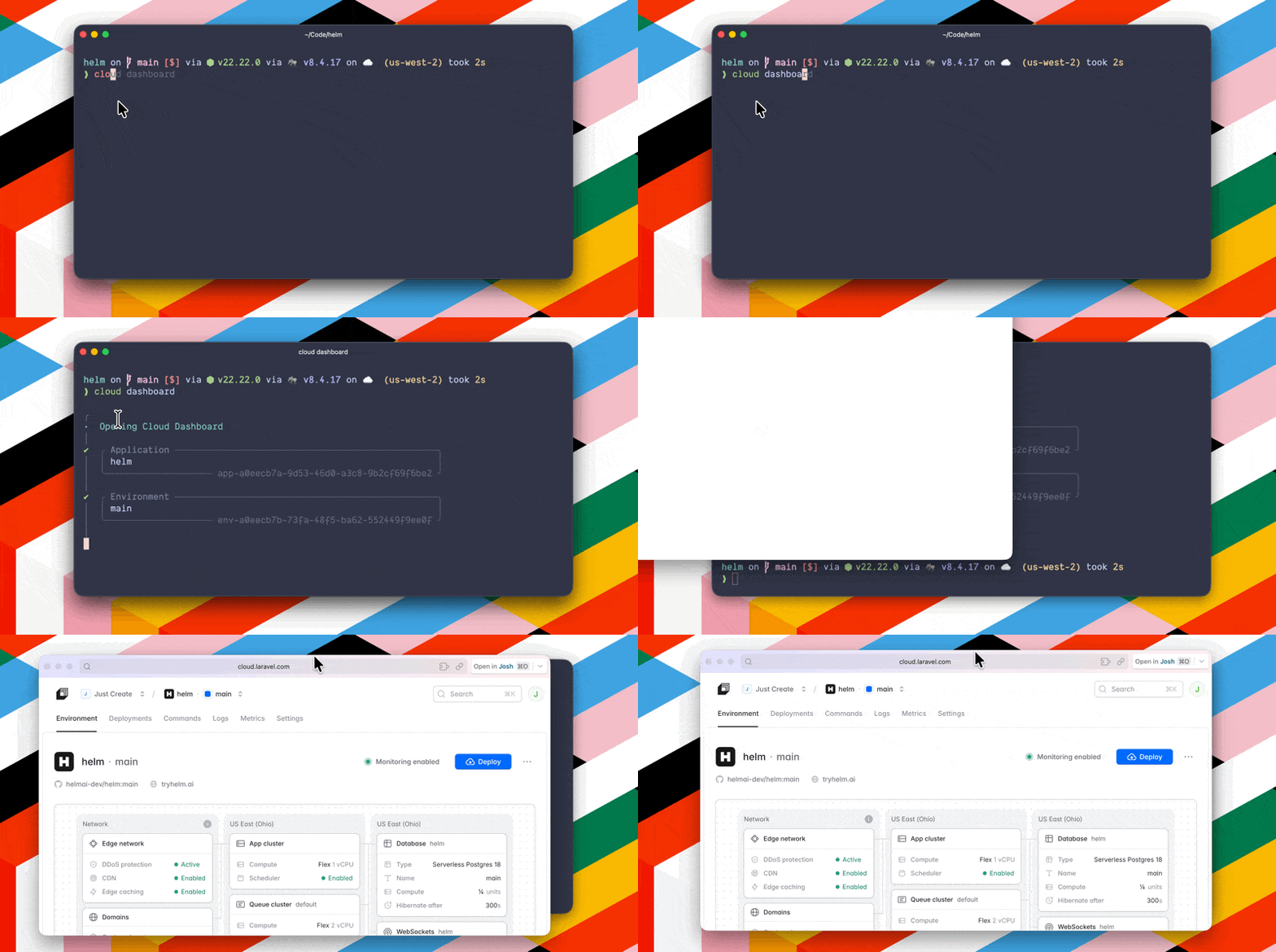
Your once manual provisioning is replaced with repeatable, version-controlled scripts. Any developer on your team can now manage environments that once required dedicated ops resources. And because the API and CLI integrate directly into your existing toolchain, there's no new system to learn or maintain.
Here are some of the things you can do with the Laravel Cloud API and CLI:
- CI/CD pipeline integration: Trigger deployments automatically from your existing CI/CD tools and implement automated rollbacks based on health checks.
- Multi-environment orchestration: Programmatically create, configure, and tear down environments for feature branches and testing.
- Infrastructure as code: Define and replicate entire project configurations in version-controlled scripts.
- Cost optimization: Spin resources up and down based on your needs with automated resource scheduling.
- Custom monitoring and alerting: Integrate deployment notifications and metrics into your existing observability stack.
Built for Humans and Agents Alike
The Cloud API and CLI are available to all Laravel Cloud users, with functionality scoped to account permissions.
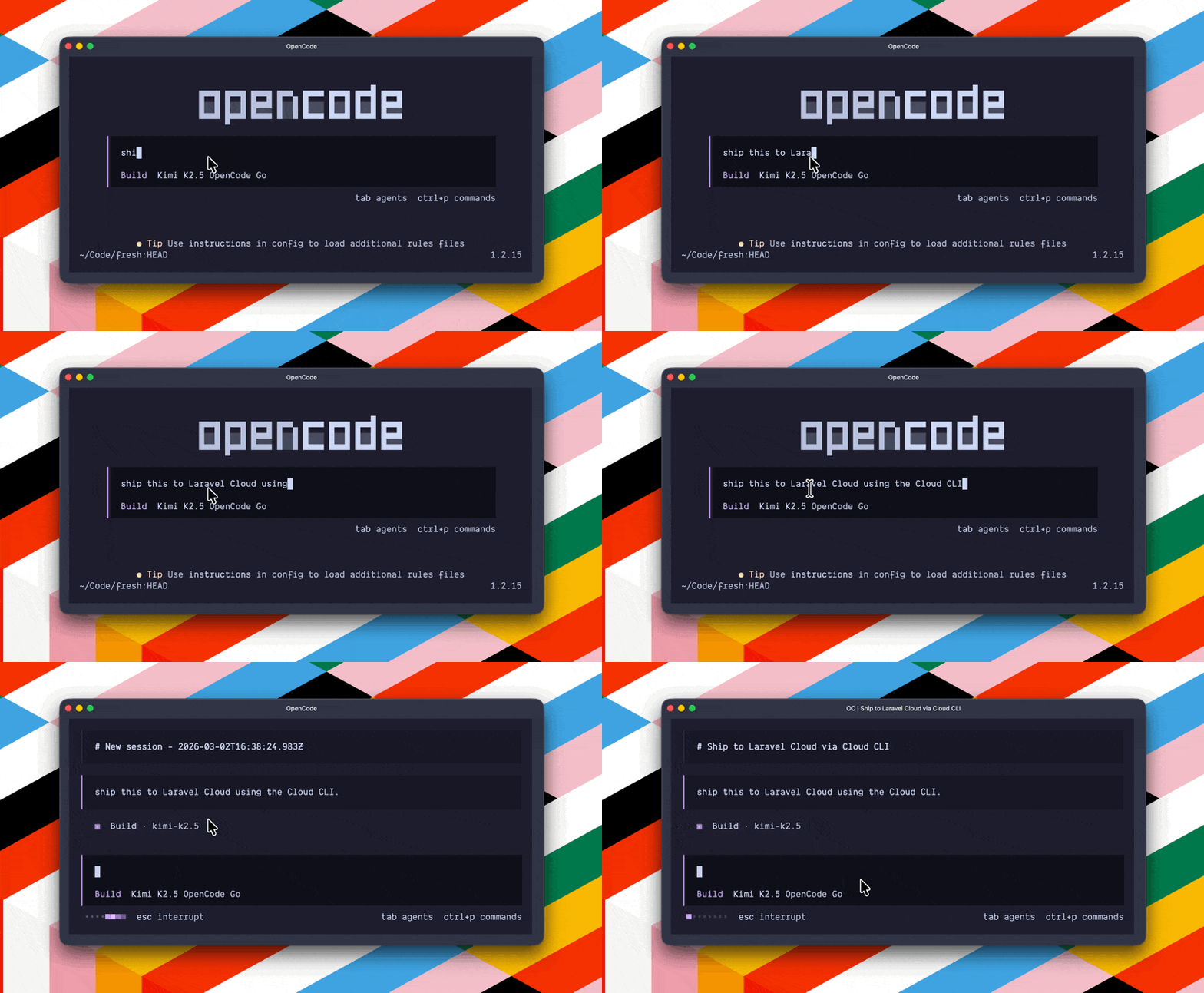
DevOps engineers can integrate directly into CI/CD pipelines. Full stack developers can manage environments without leaving the terminal. Teams building with AI can connect agents directly to their infrastructure and watch them do anything available through the Cloud API, like provisioning databases, checking instance counts or querying scale to zero status, and more.
This kind of programmatic access opens up a new level of automation for your entire team. Head to the Cloud API and CLI documentation to learn more.
To start shipping with the CLI, open your Laravel app codebase and type cloud ship. That’s it, you can now start deploying without leaving your terminal.