By default, your PHP scripts have 30 seconds to finish running, if it exceeds that limit the process will be automatically stopped and an error is reported. Starting this week, Forge now lets you update the maximum execution time on your server:
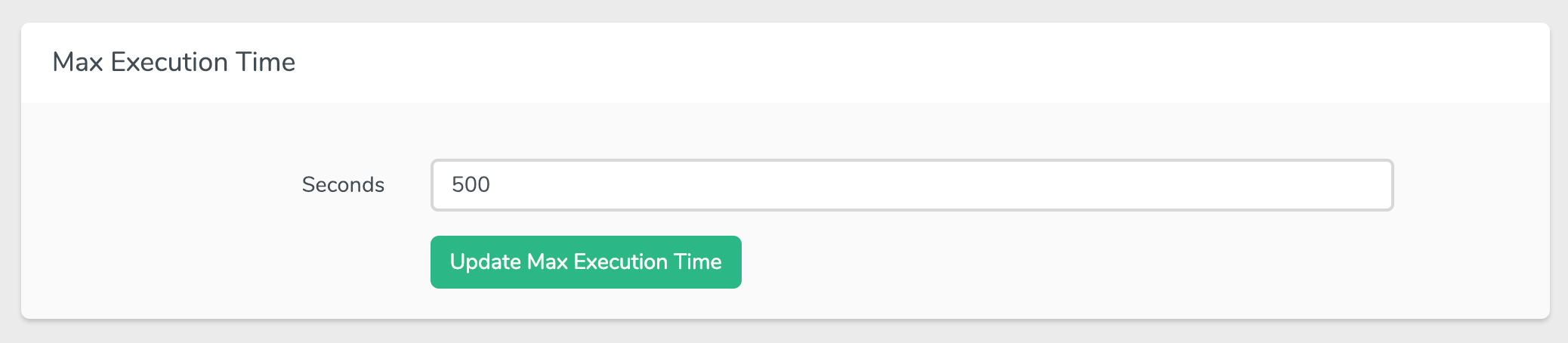 You can update this value from the PHP tab of your server settings screen, once you click "Update" Forge will update the value of the following configurations:
max_execution_timein your php.ini file.request_terminate_timeoutin your PHP FPM www.conf file.fastcgi_read_timeoutin your Nginx configuration file.
If you don’t have a Forge account, now is a great time to sign up. Forge allows you to painlessly create and manage PHP 7.3 servers which include MySQL, Redis, Memcached, and everything else you need to run robust, modern Laravel applications.