On the morning of March 18th all Laravel Forge sessions were manually logged out. This was done so that we could enable a new security feature in Forge that allows you to manage other browser sessions.
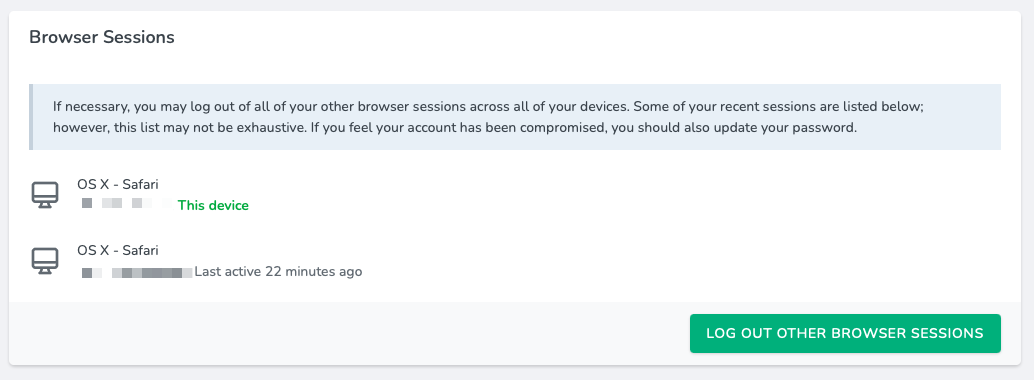 You may log out other browser sessions from the Account page. When doing so, you will be asked to confirm your account password.
Remember, you don't need to share your account details with your team members. Instead you can use Circles to share servers and credentials, allowing your team members to create and manage servers. You can read more about the Circles feature within our documentation.
If you don’t have a Forge account, now is a great time to sign up! Forge allows you to painlessly create and manage PHP servers which include MySQL, Redis, Memcached, database backups, and everything else you need to run robust, modern Laravel applications.